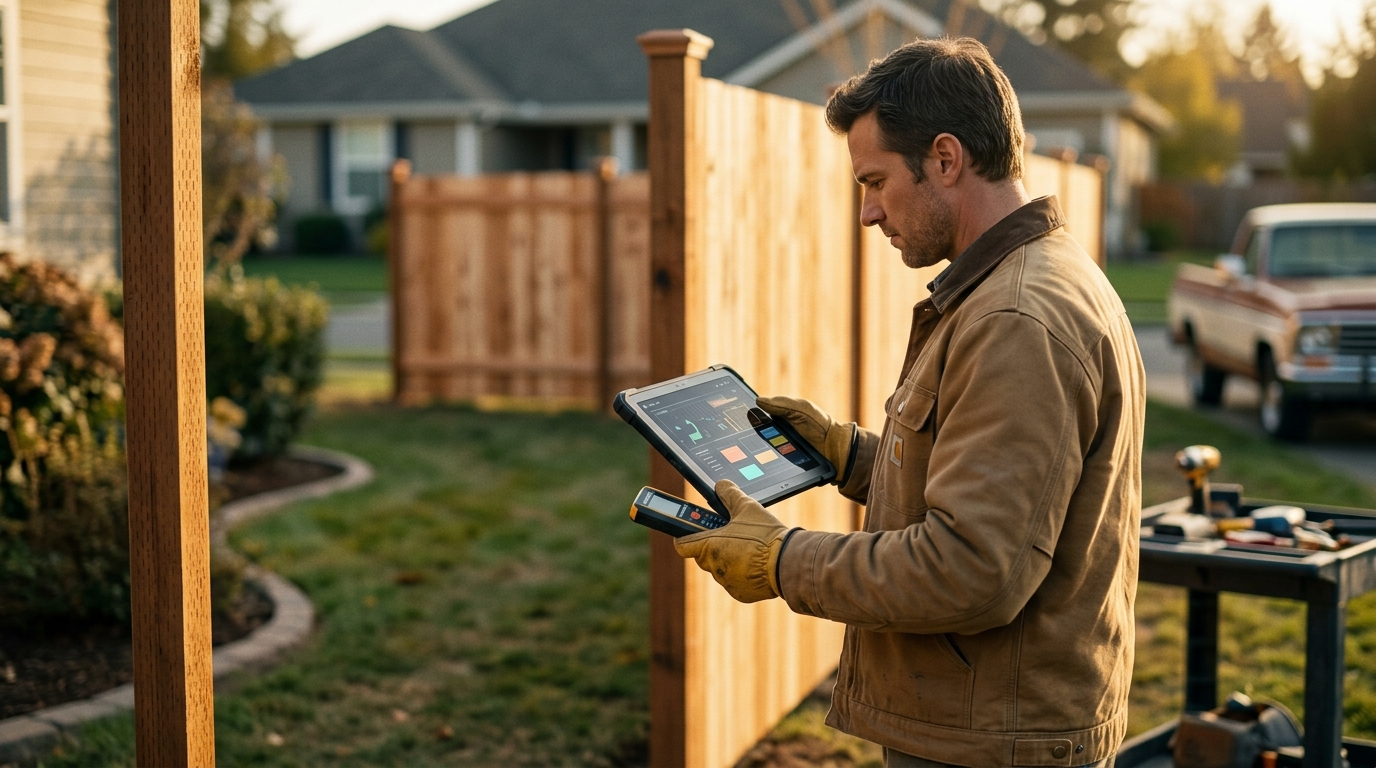
How to Create Accurate Fence Estimates in Minutes with Automated Measurements
Creating fence estimates used to mean hours of manual math, tape measures, and spreadsheets. Today, automated fence estimating software lets contractors generate accurate quotes in minutes, complete with material takeoffs, labor costs, and professional proposals. Whether you run a solo operation or manage multiple crews, this guide walks you through every step of building precise fence estimates faster, so you can win more jobs and stop leaving money on the table.
What Is Automated Fence Estimating?
Automated fence estimating is the process of using specialized software to calculate materials, labor, and costs for a fencing project without manual spreadsheets or hand calculations. A fence estimating tool is a digital platform that converts measurements into complete cost breakdowns covering labor, materials, markups, and overhead. Instead of counting posts and panels by hand, the software handles it automatically based on the fence layout you draw.
Platforms like Dirtface's fence estimating software let you draw fence lines on satellite maps, blueprints, or a blank canvas, then instantly generate a full material takeoff and quote. The result is a professional proposal you can send from the field or office in minutes rather than hours.
Why Manual Estimates Cost You Money
Manual quoting is time-consuming and error-prone. When estimators measure in one app, price in a spreadsheet, and build the proposal in a document template, mistakes compound at every handoff. According to industry analysis, manual processes can lead to miscalculations, project delays, and wasted materials that cut directly into profitability.
Common Manual Estimating Errors
- Miscounting posts or panels for irregular layouts
- Forgetting to include hardware, concrete, or gates
- Using outdated material pricing
- Inconsistent labor rate calculations across estimators
Every error either costs you profit or costs you the job. Underestimate, and you eat the difference. Overestimate, and the customer picks a competitor.
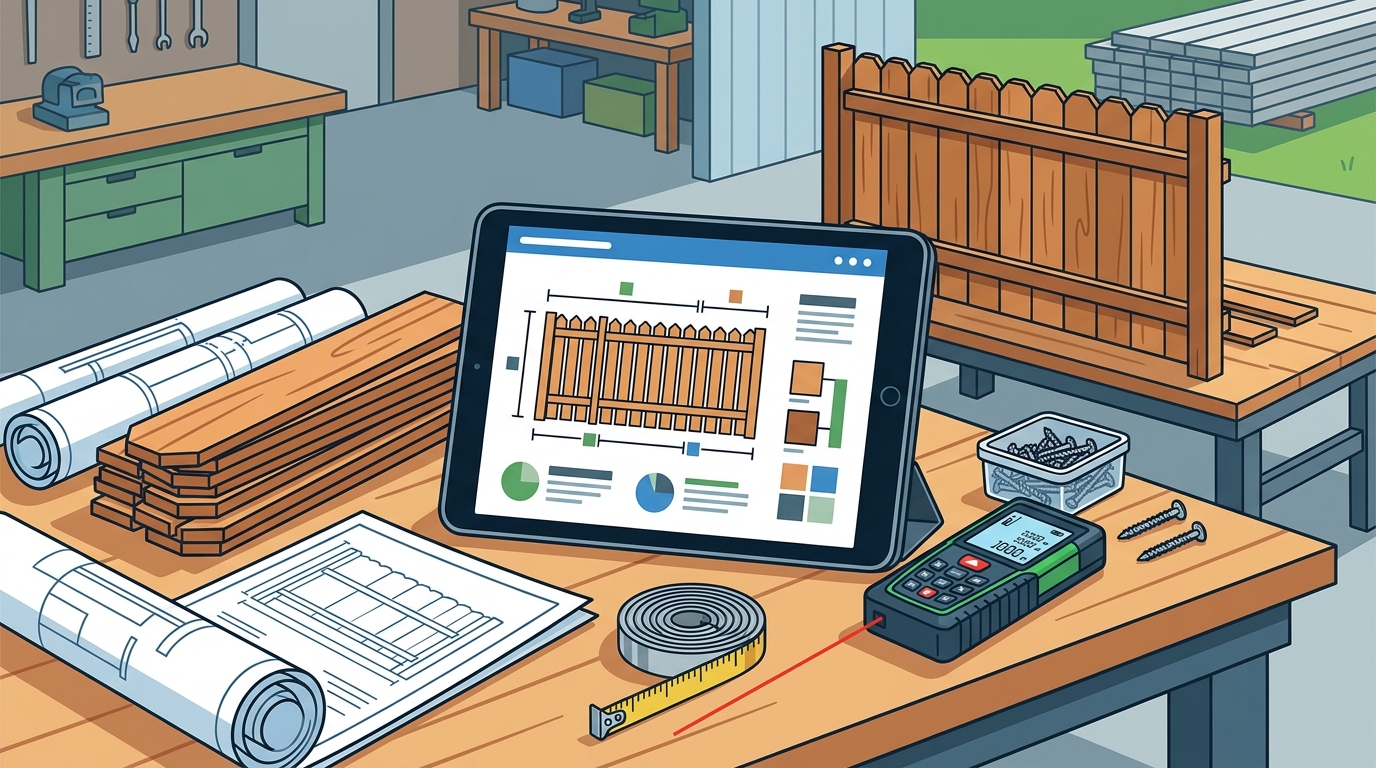
Step-by-Step: Creating Fence Estimates with Automated Tools
Step 1: Set Up Your Material Catalog and Pricing
Before your first estimate, configure your material catalog. Dirtface offers pre-loaded fence takeoff templates for wood, vinyl, chain link, and ornamental styles. You can also upload supplier catalogs directly. Dirtface AI extracts parts, pricing, and configurations into ready-to-use templates automatically, saving hours of manual data entry.
Step 2: Draw the Fence Layout on a Map or Blueprint
Open a new estimate and design fence layouts on Google Maps satellite view, an uploaded blueprint, or a blank canvas. Click to set corner points, add gates, and mark elevation changes. The software calculates linear footage in real time as you draw, eliminating the need for a separate measuring tool or site visit for initial quotes.
Step 3: Review, Customize, and Send Your Quote
Once the layout is complete, the software generates a full material takeoff with labor, markup, concrete, and accessories. Review the numbers, adjust pricing or add line items as needed, then send a branded professional proposal. The entire process, from map to quote, typically takes under 10 minutes. Learn more in our guide on how to create a fence estimate.
Key Features to Look for in Fence Estimating Software
A material takeoff is an itemized list of every component needed for a fencing project, including posts, rails, panels, fasteners, concrete, and gates. The best fence estimating platforms automate this process entirely. Here are the features that matter most:
- Satellite or blueprint-based measurement: Draw fence runs directly on maps for instant linear footage calculations.
- Automated material takeoffs: Software calculates every post, panel, and fitting based on fence type and layout.
- Customizable labor and pricing: Set your own rates, markups, and overhead per fence style.
- Pre-loaded templates: Start quoting instantly with industry-standard configurations for all major fence types.
- Professional proposals with e-signature: Send polished quotes clients can approve on any device.
- CRM and job management: Track leads, schedule crews, and manage jobs from one platform.
- QuickBooks integration: Sync invoicing and accounting without double data entry.
Dirtface combines all of these capabilities into one cloud platform built for fence professionals, from solo operators to multi-location operations.
Manual vs. Automated Estimating: Side-by-Side Comparison
| Factor | Manual Estimating | Automated Software (e.g., Dirtface) |
|---|---|---|
| Time per estimate | 1 to 3 hours | Under 10 minutes |
| Material accuracy | Prone to human error | Automated takeoffs reduce errors |
| Pricing consistency | Varies by estimator | Standardized templates and rates |
| Proposal quality | Basic documents or handwritten | Branded, professional proposals |
| Site measurement | Requires on-site tape measure | Satellite map or blueprint drawing |
| Scalability | Limited by staff hours | Quote more jobs with the same team |
| Integration | Separate spreadsheets and apps | CRM, scheduling, QuickBooks in one place |
Pro Tips for Maximum Estimate Accuracy
Keep Your Price Book Updated
Material costs fluctuate. Review and update your supplier pricing at least monthly. Dirtface lets you upload updated catalogs and automatically refresh pricing across all templates, so every quote reflects current costs.
Account for Site Conditions
Slopes, rocky soil, and existing structures all affect labor time and material needs. Always note site conditions during your initial assessment. Use the shop designer tool to create detailed drawings showing elevations and component details that help your crew plan for real-world conditions.
Add Profitable Upsells
Gates, post caps, staining, and removal of old fencing are easy additions that increase job value. Explore ideas in our post on fence contract add-ons that increase profit.
Key Takeaways
- Automated fence estimating software reduces quote time from hours to minutes.
- Satellite map-based measurement eliminates the need for preliminary site visits.
- Pre-loaded templates for wood, vinyl, chain link, and ornamental fences ensure nothing is missed.
- Standardized pricing and automated takeoffs produce consistent, accurate estimates across your team.
- Professional branded proposals improve close rates and build client trust.
- All-in-one platforms that combine estimating, CRM, and scheduling reduce app juggling and data errors.
- Keeping your material catalog current is critical to maintaining margin accuracy on every job.
Frequently Asked Questions
What is fence estimating software?
Fence estimating software is a digital tool that helps contractors calculate materials, labor, and costs for fencing projects. It automates the takeoff process so you can generate accurate, professional quotes without manual spreadsheets.
How long does it take to create a fence estimate with automated software?
Most estimates take under 10 minutes. You draw the fence layout on a satellite map or blueprint, and the software automatically calculates materials, labor, and total cost.
Do I need to visit the job site before creating an estimate?
Not always. With satellite map-based tools, you can draw fence runs remotely and get accurate linear footage. A site visit is still recommended before final installation to confirm conditions like slope and soil type.
What fence types can I estimate with Dirtface?
Dirtface includes pre-loaded templates for wood, vinyl, chain link, and ornamental fences. You can also create custom templates for specialty fence styles or import supplier catalogs directly.
Can fence estimating software help me win more jobs?
Yes. Faster response times and professional proposals give you a competitive edge. Contractors who quote within hours instead of days are significantly more likely to close the deal.
Does Dirtface integrate with QuickBooks?
Yes. Dirtface syncs with both QuickBooks Online and QuickBooks Desktop, so invoices, payments, and accounting data stay connected without manual entry.
Is Dirtface suitable for solo operators?
Absolutely. Dirtface is built for fence contractors ranging from solo operators to multi-location operations. The platform scales with your business as you add crews and volume.
Is there a free trial available?
Yes. Dirtface offers a 14-day free trial with access to all premium features and no credit card required. You can start your free trial here.
Start Creating Accurate Fence Estimates Today
Stop spending hours on manual quotes and start closing more jobs. Dirtface gives you everything you need to estimate, design, and manage fence projects in one platform. Sign up for your free 14-day trial and see how fast accurate fence estimating can be.