
How to Create Accurate Fence Estimates in Minutes with Automated Measurements
Creating accurate fence estimates used to mean hours of manual math, scribbled notes, and late-night spreadsheet sessions. One missed post or a sudden lumber price swing could wipe out your profit on a job. Fence estimating software is a digital tool that converts measurements into detailed cost documents covering labor, materials, overhead, and markup. With automated measurement tools now built into platforms like Dirtface, contractors can generate professional, error-free quotes in minutes instead of hours. This guide walks you through the exact steps to produce fast, accurate fence estimates that win more jobs and protect your margins.
Why Manual Fence Estimates Fail
Manual estimating is time-consuming and prone to errors that cut into profitability. Posts and hardware alone can represent 15 to 25 percent of total material costs, and overlooking even a few items leads to costly reorders mid-project.
When two estimators measure the same drawing by hand, they often arrive at different production assumptions. That inconsistency means some bids are too high (losing the job) and others are too low (losing money). Automated tools eliminate this guesswork by applying the same calculation logic every time.
The Real Cost of Errors
Material shortages force emergency supplier runs, crew downtime, and awkward "we need to charge extra" phone calls to homeowners. According to STACK, fencing estimating software improves accuracy by automating the material takeoff process and reducing the risk of manual errors.
What Automated Measurement Tools Actually Do
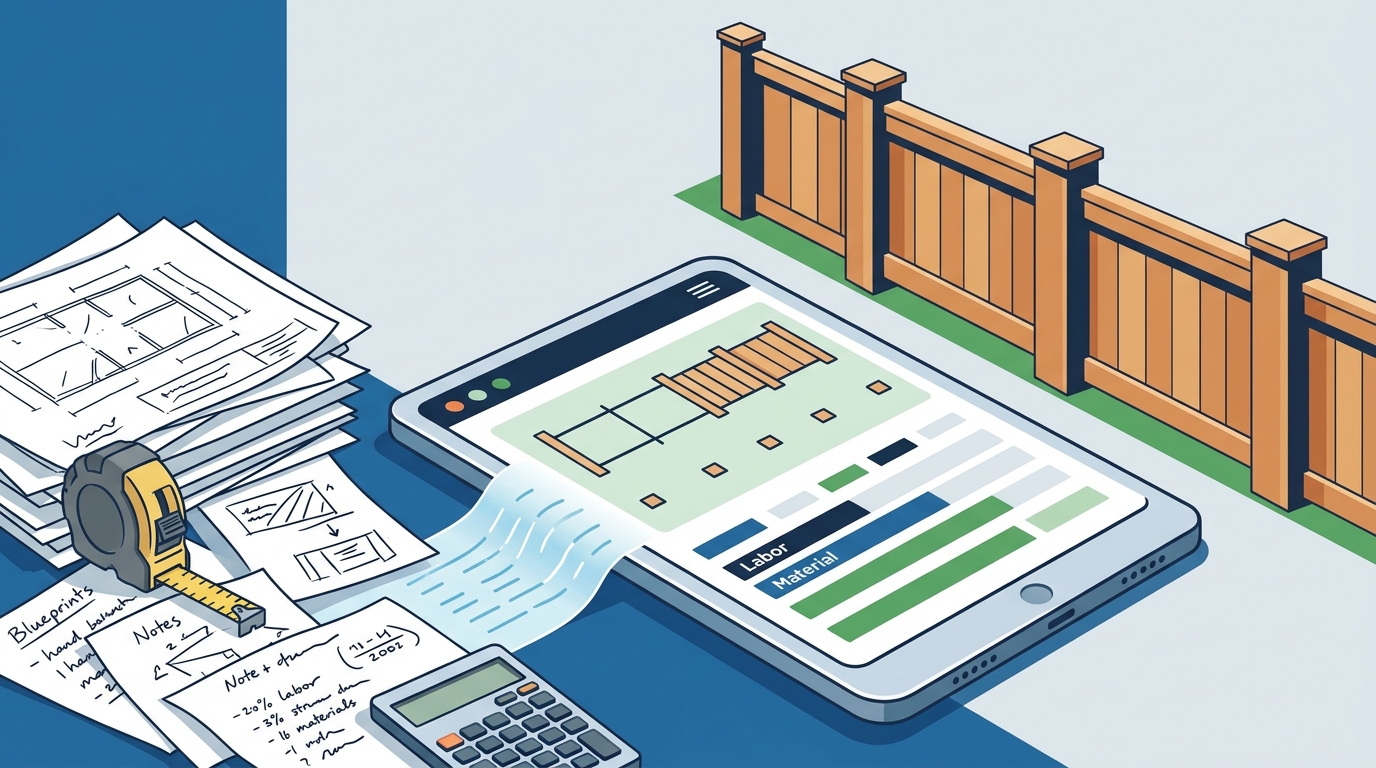
An automated measurement tool is a software feature that calculates linear footage, post counts, and material quantities directly from project drawings or satellite imagery. Instead of manually counting posts and panels on paper, the software does it for you in seconds.
Modern fence-specific platforms scan site plans, count posts, and deliver linear footage in minutes. Some even use satellite imagery to let you trace fence runs on a map before ever visiting the property. This means your first quote can go out while competitors are still scheduling site visits.
How Dirtface Handles Automated Measurements
Dirtface generates fast, accurate fence estimates in minutes with automated measurements and industry-ready pricing tools built for contractors. The software empowers you to quickly calculate time estimates, labor costs, material lists, overhead expenses, concrete costs, and profits. It comes pre-loaded with hundreds of fence templates for Chainlink, Wood, Vinyl, and Ornamental styles, so most designs you work with are already in the system.
Step-by-Step: Creating an Estimate in Minutes
Step 1: Enter Project Details
Log into your Dirtface account from any device. Enter the customer information and project address. The cloud-based platform lets you access and edit quotations from the job site or the office, 24/7.
Step 2: Select a Fence Template
Choose from hundreds of pre-loaded takeoff templates covering wood, vinyl, chainlink, and ornamental fence styles. A fence template is a pre-configured material and labor assembly for a specific fence type. Templates eliminate manual assembly building and ensure nothing gets missed.
Step 3: Input Measurements and Let the Software Calculate
Enter your linear footage and the automated engine calculates posts, panels, gates, concrete, hardware, and labor. Every component is accounted for based on industry-standard spacing and specifications. Customize parts and labor pricing to match your actual costs and desired margins.
Step 4: Review, Brand, and Send
Review the generated estimate, apply your company branding, and send a professional proposal the client can understand immediately. Dirtface lets you generate clear, professional fence quotations that drastically improve your chances of winning the job.
Must-Have Features in Fence Estimating Software
Not all estimating platforms are built for fence contractors. Here is what to prioritize when evaluating your options:
- Automated material takeoffs: The software should count posts, panels, gates, and hardware the moment you input measurements.
- Pre-loaded fence templates: Look for platforms with hundreds of ready-to-use designs across all major fence types.
- Customizable pricing: You need control over parts, labor rates, overhead, and profit margins.
- Mobile access: Quoting from the field is essential. The best tools work on any device.
- QuickBooks integration: Seamless accounting sync saves hours of double entry. Dirtface offers seamless QuickBooks integration, point-of-sale payments, and professional invoicing.
- Job management: Track quotes, RFQs, jobs, invoices, and customers in one hub.
Manual vs. Automated Estimates: A Comparison
| Factor | Manual Estimating | Automated (Dirtface) |
|---|---|---|
| Time per estimate | 45-90 minutes | 5-15 minutes |
| Material accuracy | Varies by estimator | Consistent, template-driven |
| Post/hardware counting | Prone to omissions | Auto-calculated |
| Proposal appearance | Basic spreadsheet or handwritten | Branded, professional PDF |
| Mobile capability | Paper-based or laptop only | Any device, 24/7 |
| Accounting integration | Manual data entry | QuickBooks sync |
| Template library | None | Hundreds pre-loaded |
Common Mistakes That Kill Your Margins
Forgetting concrete costs. Post holes require concrete, and it adds up fast on long runs. Automated software includes concrete calculations in every estimate by default.
Ignoring overhead. Many contractors price materials and labor but forget insurance, fuel, permits, and equipment wear. A good estimating tool forces you to set overhead percentages upfront so every quote stays profitable.
Using one-size-fits-all pricing. Material costs vary by region and fluctuate with supply chains. Your pricing setup should reflect your actual supplier costs, updated regularly.
Slow response times. Homeowners often decide faster when they receive a polished quote the same day. Contractors still creating estimates from scratch lose bids to those who respond in minutes.
Key Takeaways
- Automated measurement tools cut fence estimating time from hours to minutes while improving accuracy.
- Pre-loaded templates for wood, vinyl, chainlink, and ornamental fences eliminate manual assembly building.
- Posts and hardware represent 15 to 25 percent of material costs and are the most commonly missed items in manual estimates.
- Cloud-based access means you can quote from the job site, the office, or anywhere with an internet connection.
- Same-day professional proposals close more deals than next-week spreadsheet quotes.
- QuickBooks integration and job management features keep your entire business in one platform.
- Dirtface offers a 14-day risk-free trial with no credit card required.
Frequently Asked Questions
What is fence estimating software?
Fence estimating software is a digital tool that fencing contractors use to convert measurements into detailed documents outlining all project costs, from labor and materials to markups and overhead. It automates calculations that would otherwise be done by hand.
How long does it take to create a fence estimate with Dirtface?
Most contractors generate a complete, professional fence estimate in under 15 minutes using Dirtface. The platform's automated measurements and pre-loaded templates handle the heavy lifting so you can focus on closing the sale.
Can I use Dirtface on my phone at the job site?
Yes. Dirtface provides mobile access and flexibility, letting you access your fence estimating software and edit professional quotations from any device on the job site or in the office, 24/7.
What fence types does Dirtface support?
Dirtface comes pre-loaded with templates for Chainlink, Wood, Vinyl, and Ornamental fences. The platform is flexible enough to let you set up virtually any fence style you can imagine.
Does Dirtface integrate with QuickBooks?
Yes. Dirtface streamlines your fence business with seamless QuickBooks integration, point-of-sale payments, and professional invoicing, eliminating double data entry.
How accurate are automated fence estimates?
When templates are configured with your actual material costs and labor rates, automated estimates are highly accurate. The software counts every post, panel, gate, and piece of hardware based on industry-standard specifications, reducing the risk of shortages or overages.
Is there a free trial available?
Yes. Dirtface offers access to all premium features for 14 days, absolutely risk-free, with no credit card required. You can learn more about the company or start your trial from the homepage.
Who built Dirtface?
Dirtface was built by fence professionals for fence professionals. The team has been in the fencing industry for decades and designed the software to address the unique challenges contractors face daily.
Start Creating Accurate Fence Estimates Today
Stop losing profits to manual math errors and slow turnaround times. Start your free 14-day trial of Dirtface and see how automated measurements, pre-loaded templates, and professional proposals can transform your fence business. No credit card required.