
How to Create Accurate Fence Estimates in Minutes with Automated Measurements
Creating accurate fence estimates has historically been one of the most time-consuming parts of running a fencing business. Between measuring property lines, calculating material quantities, pricing labor, and building professional proposals, a single quote can eat up hours of your day. Automated fence estimating software changes this equation entirely. With the right tools, contractors can generate precise, professional fence quotes in minutes rather than hours. This guide walks you through the exact process of creating accurate fence estimates quickly using automated measurements and modern estimating technology.
Why Accuracy Matters in Fence Estimating
A fence estimate is a detailed projection of all costs associated with a fencing project, including materials, labor, overhead, and profit margin. Getting it right is not optional. According to the National Cooperative Highway Research Program, construction estimating errors cost U.S. companies an estimated $273 billion annually, accounting for up to 20% of total project costs.
For fence contractors specifically, the stakes are personal. A QuickBooks survey found that nearly a third of all contractors fail to estimate their profits correctly, and one in four say just two or three bad estimates could force them to close. Accuracy is not just about winning jobs. It is about keeping your business alive.
Manual vs. Automated Fence Estimating
A manual fence estimate is a quote built using tape measures, spreadsheets, and hand calculations. An automated fence estimate is one generated by software that handles measurements, material counts, and pricing calculations digitally. The difference in speed and accuracy is dramatic.
| Factor | Manual Estimating | Automated Estimating |
|---|---|---|
| Time per estimate | 1-3 hours | 5-15 minutes |
| Measurement accuracy | Prone to human error | Digitally precise |
| Material calculations | Spreadsheet formulas | Auto-calculated from templates |
| Proposal quality | Basic document | Branded, professional PDF |
| Error rate | Up to 15% | Under 5% |
| Price updates | Manual lookup | Centralized database |
Research shows that automated takeoff tools can reduce the error rate from 15% to less than 5%. For a fence contractor bidding multiple jobs per week, that difference translates directly to protected margins.
Step-by-Step: Creating a Fence Estimate in Minutes
Step 1: Set Up Your Project
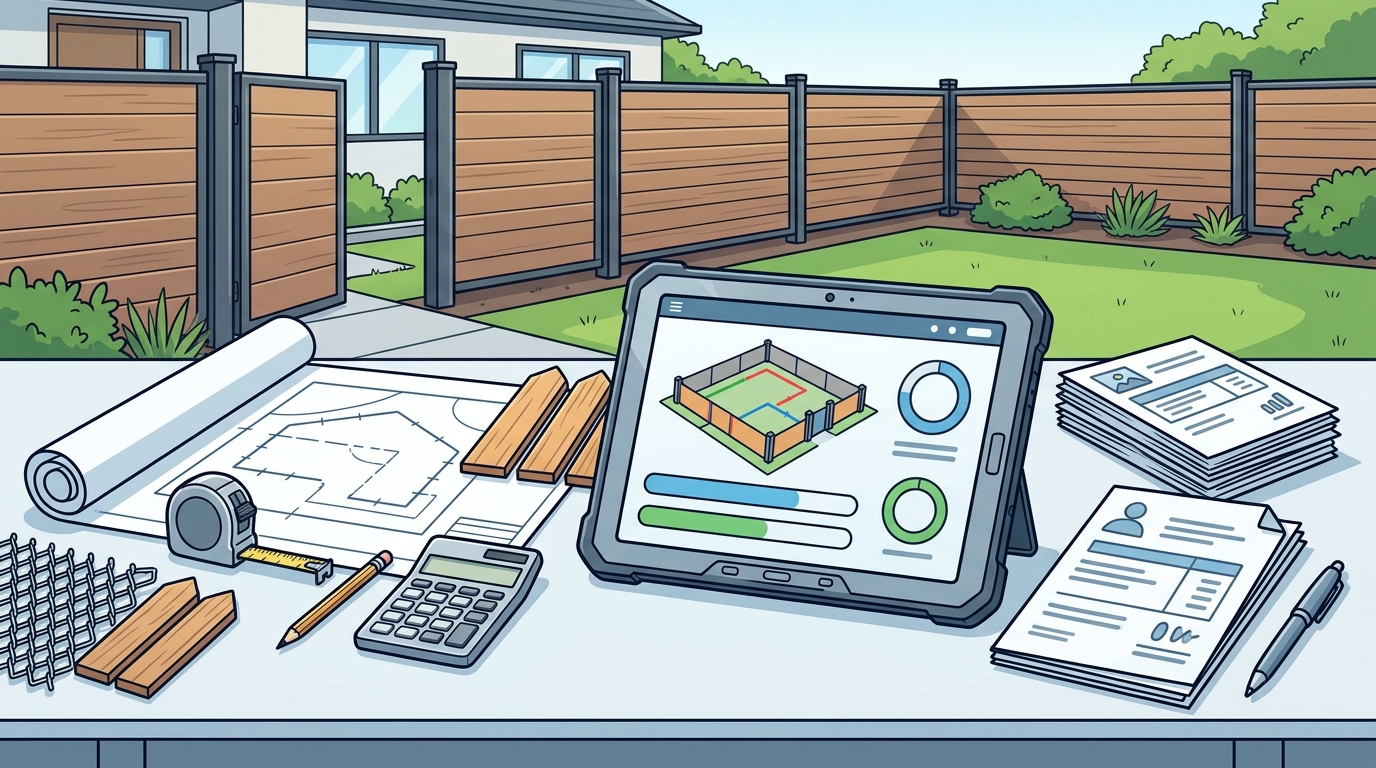
Start by entering basic project details such as customer name, address, and fence type. With Dirtface fence estimating software, you can manage Requests for Quotes (RFQs), estimates, and customer data all in one place. This eliminates the need to juggle multiple apps.
Step 2: Select Your Fence Template
Rather than building a material list from scratch, choose from pre-loaded fence templates. Dirtface comes with hundreds of templates for wood, vinyl, chain link, and ornamental fences. Most of the fence designs contractors work with are already in the system.
Step 3: Enter Measurements and Generate the Quote
Input your fence line measurements and let the software auto-calculate materials, labor, overhead, and profit. The platform calculates time estimates, labor costs, material lists, concrete quantities, and total project costs automatically. Review the output, adjust as needed, and send a branded proposal to your client.
Using Templates and Material Catalogs
A fence takeoff template is a pre-configured material and labor formula tied to a specific fence style and height. Templates are the secret to speed in estimating. Instead of recalculating post spacing, rail counts, and hardware for every job, a template does it instantly when you enter linear footage.
Dirtface is so flexible that you can set up any kind of fence you can imagine in the catalog. You can customize parts, labor pricing, and branding to ensure every quotation reflects your unique business. This level of customization matters because material costs fluctuate frequently due to supply chain changes and market demand.
Keep your pricing database current. As industry experts note, even data that is only a few weeks old can lead to considerable financial losses on a project.
Common Fence Estimating Mistakes to Avoid
Even with great software, contractors can stumble. Here are the errors to watch for:
- Skipping the site visit: Software handles calculations, but you still need eyes on the ground for slope, access, and soil conditions.
- Ignoring indirect costs: Permit fees, dumpster rentals, and equipment wear must be included. Overlooking them can drastically affect the final project cost.
- Using outdated material prices: Lumber, steel, and vinyl prices can shift 20% to 80% within months. Update your price book regularly.
- Forgetting labor burden: A crew member earning $25/hour may cost $35-$40/hour once you factor in taxes, workers' comp, and benefits.
- Rushing the review: Always double-check quantities before sending. One wrong line item can wipe out your profit margin on a job.
Consider exploring fence contract add-ons that increase profit to ensure you are capturing every revenue opportunity in your estimates.
Key Takeaways
- Automated fence estimating software reduces quote time from hours to minutes while improving accuracy.
- Pre-loaded templates for wood, vinyl, chain link, and ornamental fences eliminate repetitive setup work.
- Estimating errors can account for up to 20% of total project costs, making accuracy a business survival issue.
- Customizable catalogs let you tailor materials, labor rates, and branding to your specific business.
- Always include indirect costs, labor burden, and contingencies in every fence estimate.
- Keeping your material price database current prevents underbidding and margin erosion.
- Mobile access lets you create and edit professional quotations from any device, on-site or in the office.
Frequently Asked Questions
What is fence estimating software?
Fence estimating software is a digital tool designed specifically for fence contractors to calculate materials, labor, and costs for fencing projects. It automates the takeoff process and generates professional proposals.
How long does it take to create a fence estimate with software?
With automated tools like Dirtface, most fence estimates can be completed in 5 to 15 minutes, compared to 1 to 3 hours using manual methods.
Can I customize fence templates for my business?
Yes. Dirtface allows you to customize parts, pricing, branding, and templates so every project reflects your unique business needs. You can also build entirely new fence configurations from scratch.
What types of fences can I estimate?
Modern fence estimating platforms support wood, vinyl, chain link, ornamental, and custom fence types. Dirtface comes pre-loaded with hundreds of styles across all major categories.
Does fence estimating software work on mobile devices?
Yes. Dirtface provides mobile access so you can create and edit professional quotations from any device, whether you are on the job site or in the office, 24/7.
How does automated estimating reduce errors?
Automated estimating eliminates manual calculations, spreadsheet formula mistakes, and data transfer errors. Studies show automation can reduce the estimating error rate from 15% to under 5%.
Is there a free trial available?
Dirtface offers a 14-day risk-free trial with access to all premium features and no credit card required.
Can fence estimating software help me manage my whole business?
Yes. Platforms like Dirtface go beyond estimating to include job management, invoicing, lead generation, scheduling, and QuickBooks integration, all in one platform.
Start Creating Accurate Fence Estimates Today
Every minute you spend manually building fence quotes is a minute you are not selling, installing, or growing your business. Dirtface gives fence contractors the tools to generate fast, accurate estimates with automated measurements and industry-ready pricing. Start your free 14-day trial and see how much time you can save on your very first estimate.