
How to Create Accurate Fence Estimates in Minutes with Automated Measurements
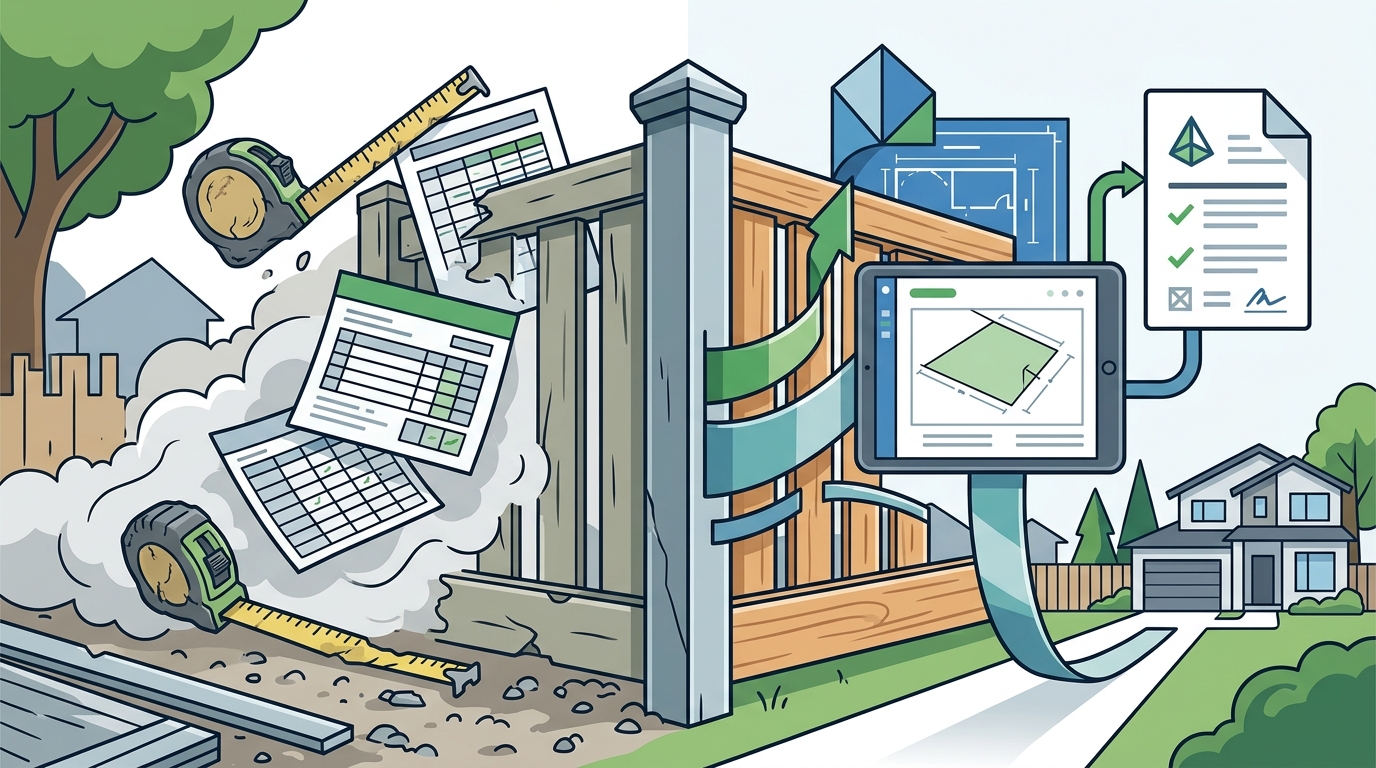
Creating accurate fence estimates used to mean hours of manual measuring, spreadsheet juggling, and second-guessing your material counts. Today, automated fence estimating software lets contractors generate professional, error-free quotes in minutes instead of hours. Whether you are quoting a 200-foot privacy fence or a complex commercial chain link project, the right tools turn measurements into polished proposals before your competitor even leaves the driveway. This guide walks you through each step so you can start winning more jobs faster.
Why Estimate Accuracy Matters for Fence Contractors
An inaccurate fence estimate costs you money in two directions. Underbid and you eat the margin loss. Overbid and you lose the job entirely. According to STACK's fence estimating overview, manual quoting is time-consuming and prone to errors that lead to lost bids or unexpected costs.
Fence estimating software is a digital tool that converts measurements into detailed cost documents covering labor, materials, markups, and more. When every post, panel, and gate is accounted for automatically, you eliminate the guesswork that shrinks your profit margins.
What Is Automated Fence Measurement?
Automated fence measurement is the process of using software tools to calculate linear footage, post counts, and material quantities directly from project data or satellite imagery rather than manual tape-and-paper methods. Modern platforms pull measurements and instantly apply fence industry standards to determine exactly how many posts, fittings, gates, and panels a project requires.
A material takeoff is a comprehensive list of every component needed for a fence installation, from concrete footings to cap rails. Automated takeoff tools generate this list in seconds, reducing human error and ensuring nothing is missed.
Step-by-Step: Creating a Fence Estimate in Minutes
Step 1: Set Up Your Parts and Pricing
Before you quote your first job, configure your fence estimating software with your own parts catalog, labor rates, and overhead costs. Dirtface comes pre-loaded with hundreds of fence templates for chainlink, wood, vinyl, and ornamental styles, so most of the designs you work with are already in the system. Learn the fundamentals in the catalog basics guide.
Step 2: Enter Your Measurements
Input the linear footage for each fence run. Automated measurement tools calculate post spacing, panel counts, and gate placements based on your entries and industry-standard rules. There is no need to build estimating assemblies manually.
Step 3: Review and Send Your Proposal
The software generates a complete breakdown of time estimates, labor costs, material lists, overhead expenses, concrete costs, and profit. Review the numbers, apply your branding, and send a professional proposal your client can understand and approve on the spot.
Manual vs. Automated Estimating: A Comparison
| Factor | Manual Estimating | Automated Software |
|---|---|---|
| Time per estimate | 1-3 hours | 5-15 minutes |
| Error rate | High (missed parts, math errors) | Low (rules-based calculations) |
| Material accuracy | Depends on estimator experience | Consistent across all users |
| Professional proposals | Requires separate document tools | Generated automatically with branding |
| Scalability | Limited by headcount | New hires quote accurately on day one |
| Cost tracking | Spreadsheet-based | Built-in with QuickBooks integration |
The difference is stark. Automated estimating removes the bottleneck that keeps fence contractors from scaling their sales pipeline.
Using Pre-Loaded Templates and Customization
The fastest way to quote accurately is to start from a proven template rather than a blank screen. Dirtface includes ready-made templates for wood fence estimating, chainlink fence estimating, vinyl fence projects, and ornamental fence jobs.
Each template is fully customizable. You can adjust parts, labor pricing, and branding so that every quotation reflects your unique business and remains instantly profitable. This flexibility means you can literally set up any kind of fence you can imagine.
Common Fence Estimating Mistakes to Avoid
Forgetting Concrete and Accessories
Post hole concrete, caps, tension wire, and hardware add up fast. Automated software includes these line items by default so nothing slips through the cracks.
Using Outdated Material Prices
Lumber and steel prices fluctuate regularly. Keep your price book current inside your estimating platform to avoid quoting last season's costs on today's job.
Skipping the Profit Margin Check
A quote that covers costs but forgets overhead is a losing quote. The best fence estimating tools calculate profit alongside materials and labor automatically, so you know your margin before the job starts. Explore fence contract add-ons that increase profit for more margin strategies.
Key Takeaways
- Automated fence estimating software reduces quote time from hours to minutes while improving accuracy.
- A material takeoff is a complete list of every component needed for installation, and automated tools generate it in seconds.
- Pre-loaded templates for wood, chainlink, vinyl, and ornamental fences eliminate setup time.
- Customizable parts, labor pricing, and branding ensure every proposal is profitable and professional.
- Built-in cost tracking with QuickBooks integration keeps your financials in sync.
- Mobile access lets you create and edit quotes from the job site or office on any device.
- Consistent, rules-based calculations mean new hires produce accurate estimates immediately.
Frequently Asked Questions
What is fence estimating software?
Fence estimating software is a digital tool designed to help contractors convert project measurements into detailed cost documents that include labor, materials, overhead, and profit calculations. It replaces manual spreadsheets with automated, industry-specific workflows.
How long does it take to create a fence estimate with automated tools?
Most contractors can generate a complete, professional fence estimate in 5 to 15 minutes using automated measurement and pre-loaded templates, compared to 1 to 3 hours with manual methods.
Can I customize templates for different fence styles?
Yes. Platforms like Dirtface come pre-loaded with templates for chainlink, wood, vinyl, and ornamental fences and allow you to customize parts, pricing, and branding to match your business.
Does automated estimating work for both residential and commercial jobs?
Absolutely. Automated fence estimating handles everything from a simple backyard privacy fence to large-scale commercial chain link installations by applying consistent rules-based calculations across project types.
What costs does the software calculate automatically?
Comprehensive platforms calculate time estimates, labor costs, material lists and costs, overhead expenses, concrete costs, and profit margins, giving you a full picture before you send the quote.
Can I access fence estimating software on my phone or tablet?
Yes. Cloud-based fence estimating tools like Dirtface let you access and edit quotations from any device, whether you are on the job site or in the office, 24/7.
Is there a free trial available?
Dirtface offers a 14-day risk-free trial with access to all premium features and no credit card required. You can sign up here to get started.
How does automated estimating reduce errors?
The software uses fence industry standards and rules-based engines to calculate every post, panel, gate, and fitting automatically. This eliminates the manual math mistakes and missed components that plague spreadsheet-based estimating.
Start Creating Accurate Fence Estimates Today
Stop losing hours and profits to manual estimating. Dirtface gives you automated measurements, pre-loaded templates, and professional proposals in one platform built specifically for fence contractors. Start your free 14-day trial and see how fast accurate estimating can be.