
How to Create Accurate Fence Estimates in Minutes with Automated Measurements
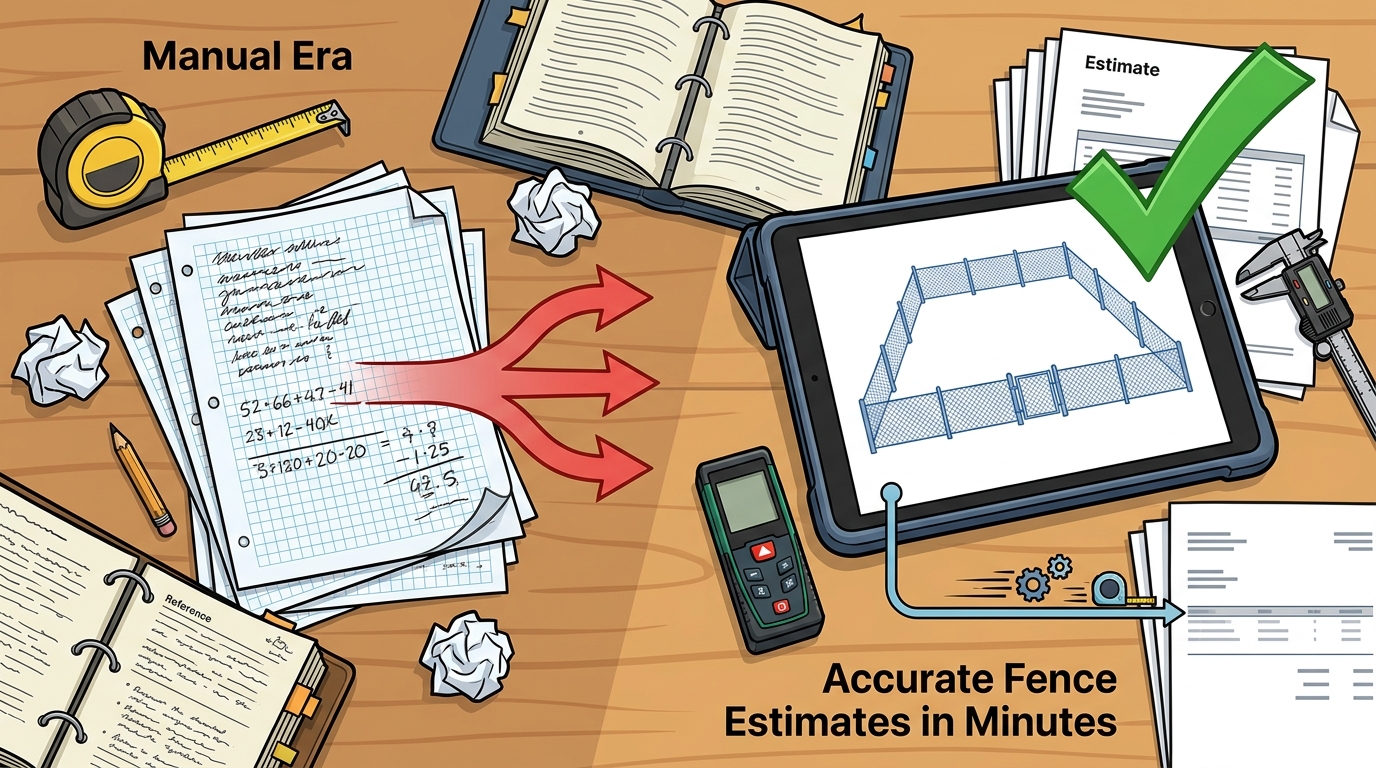
Manual fence estimates eat up hours of your week and still leave room for costly errors. According to the National Cooperative Highway Research Program, construction estimating errors cost U.S. companies an estimated $273 billion annually, accounting for up to 20% of total project costs. Fence contractors are not immune. A single missed post count or outdated lumber price can wipe out your margin on a job. The good news? Automated fence estimating software now lets you generate professional, accurate quotes in minutes instead of hours. This guide walks you through the exact steps to make that happen.
Why Manual Fence Estimates Fail
Spreadsheets, notepads, and mental math have been the default for decades. But manual estimating is time-consuming and prone to human error. Posts and hardware alone can represent 15-25% of total material costs, and they are the line items most frequently missed in hand-calculated takeoffs.
Estimating errors account for roughly 32% of all construction cost overruns according to Compass International research. For fence contractors juggling multiple bids per week, those errors compound fast. Every re-quote or surprise change order costs you time, money, and credibility with homeowners.
What Is Automated Fence Estimating?
Fence estimating software is a digital tool that converts measurements into complete cost documents covering labor, materials, markups, and more. Unlike generic construction platforms, fence-specific software comes loaded with industry-standard templates for chainlink, wood, vinyl, and ornamental styles.
Automated measurement is the engine behind the speed gains. Instead of manually tallying each post, rail, and picket, the software calculates a complete material breakdown the moment you input your fence line details. Dirtface's fence estimating features pair automated measurements with industry-ready pricing tools built specifically for contractors.
Step-by-Step: Create a Fence Estimate in Minutes
Step 1: Set Up Your Price Book
Before your first quote, configure your material costs and labor rates. Dirtface lets you customize your parts catalog with your own pricing, branding, and supplier data. This one-time setup means every future estimate pulls from your real numbers automatically.
Step 2: Enter the Fence Line Details
Input the linear footage, fence height, style, and gate locations. The software auto-counts posts, panels, concrete, and hardware based on your specifications. No measuring wheel math required.
Step 3: Review and Send the Quote
The system generates a professional proposal with itemized material lists, labor totals, overhead, and profit margin. You can review, adjust, and send the quote from any device. Learn more about the full workflow in our guide on how to create a fence estimate.
Leverage Pre-Loaded Templates and Catalogs
A fence takeoff template is a pre-configured material and pricing blueprint for a specific fence style. Dirtface comes pre-loaded with hundreds of fence templates covering wood, vinyl, chainlink, and ornamental designs. Most fence configurations you encounter in the field are already in the system on day one.
Templates eliminate repetitive data entry. Select the matching style, adjust for site-specific variables like slope or gate count, and the estimate builds itself. You can also create custom templates for niche designs you quote regularly. For ways to boost revenue per job, explore fence contract add-ons that increase profit.
Tips for Maximum Estimate Accuracy
Keep Your Price Book Current
Lumber and steel prices fluctuate frequently. Update your material costs at least monthly so quotes reflect current market conditions. Outdated pricing is one of the fastest ways to underbid a job.
Account for Site Variables
Slopes, rocky soil, tree roots, and easements all affect labor time and material needs. Always note site conditions during your visit. Permit fees vary by state and can cost up to $60, with some jurisdictions requiring land surveys averaging $500.
Double-Check Gate Counts and Hardware
Gates are among the most commonly underestimated items. Hinges, latches, drop rods, and tension bands add up. Automated software catches these components, but a quick manual review before sending protects your margin.
Manual vs. Automated Estimating: A Comparison
| Factor | Manual Estimating | Automated Software |
|---|---|---|
| Time per estimate | 45-90 minutes | 5-15 minutes |
| Material accuracy | Prone to missed items | Auto-counted posts, gates, hardware |
| Price updates | Manual lookup each time | Centralized price book |
| Quote presentation | Basic spreadsheet or handwritten | Branded, professional proposal |
| Mobile access | Paper or laptop only | Any device, 24/7 |
| Error rate | High (human calculation) | Low (formula-driven) |
| Scalability | Limited by estimator hours | Unlimited quotes per day |
Most contractors break even on a software subscription within one or two mid-size jobs, thanks to the time savings and mistake reduction alone.
Key Takeaways
- Manual fence estimates are slow, error-prone, and cost contractors real money on missed materials and underbids.
- Fence estimating software automates material takeoffs, post counts, and pricing calculations in minutes.
- Pre-loaded templates for wood, vinyl, chainlink, and ornamental fences eliminate repetitive setup work.
- Keeping your price book current is the single most important habit for accurate quotes.
- Automated tools generate branded, professional proposals that improve close rates with homeowners.
- Mobile access lets you build and send estimates from the job site, cutting your sales cycle significantly.
- The ROI on estimating software typically pays for itself within one to two jobs.
Frequently Asked Questions
What is fence estimating software?
Fence estimating software is a digital platform that converts fence measurements into detailed cost documents covering materials, labor, overhead, and profit. It automates calculations that would otherwise be done by hand.
How fast can I create a fence estimate with automated tools?
Most contractors generate a complete, professional fence estimate in 5 to 15 minutes using automated software, compared to 45-90 minutes with manual methods.
Does Dirtface support different fence styles?
Yes. Dirtface comes pre-loaded with templates for chainlink, wood, vinyl, and ornamental fences. You can also build custom templates for any fence style you can imagine. Visit the features page for the full list.
Can I use fence estimating software on my phone?
Absolutely. Dirtface is cloud-based, so you can access your estimates and edit quotes from any device, whether you are on the job site or in the office.
How does automated estimating reduce errors?
The software auto-counts every post, panel, gate, and hardware item based on your fence line input. This eliminates the mental math and manual lookups that cause most mistakes.
Is fence estimating software worth the cost for a small contractor?
Yes. Most contractors recoup the subscription cost within one or two mid-size jobs through time savings and reduced material overruns. Dirtface offers a 14-day risk-free trial with no credit card required.
What should a fence estimate include?
A complete fence estimate should include item names, quantities, and prices for all materials, plus labor costs, permit fees, overhead, and profit margin. Professional software generates all of these automatically.
How do I get started with Dirtface?
Visit the getting started guide in the Dirtface knowledge base. You can be quoting your first fence within minutes of signing up.
Start Creating Accurate Fence Estimates Today
Stop losing hours to spreadsheets and stop losing money to missed materials. Start your free 14-day trial of Dirtface and see how fast you can generate professional, accurate fence quotes that win more jobs and protect your margins.