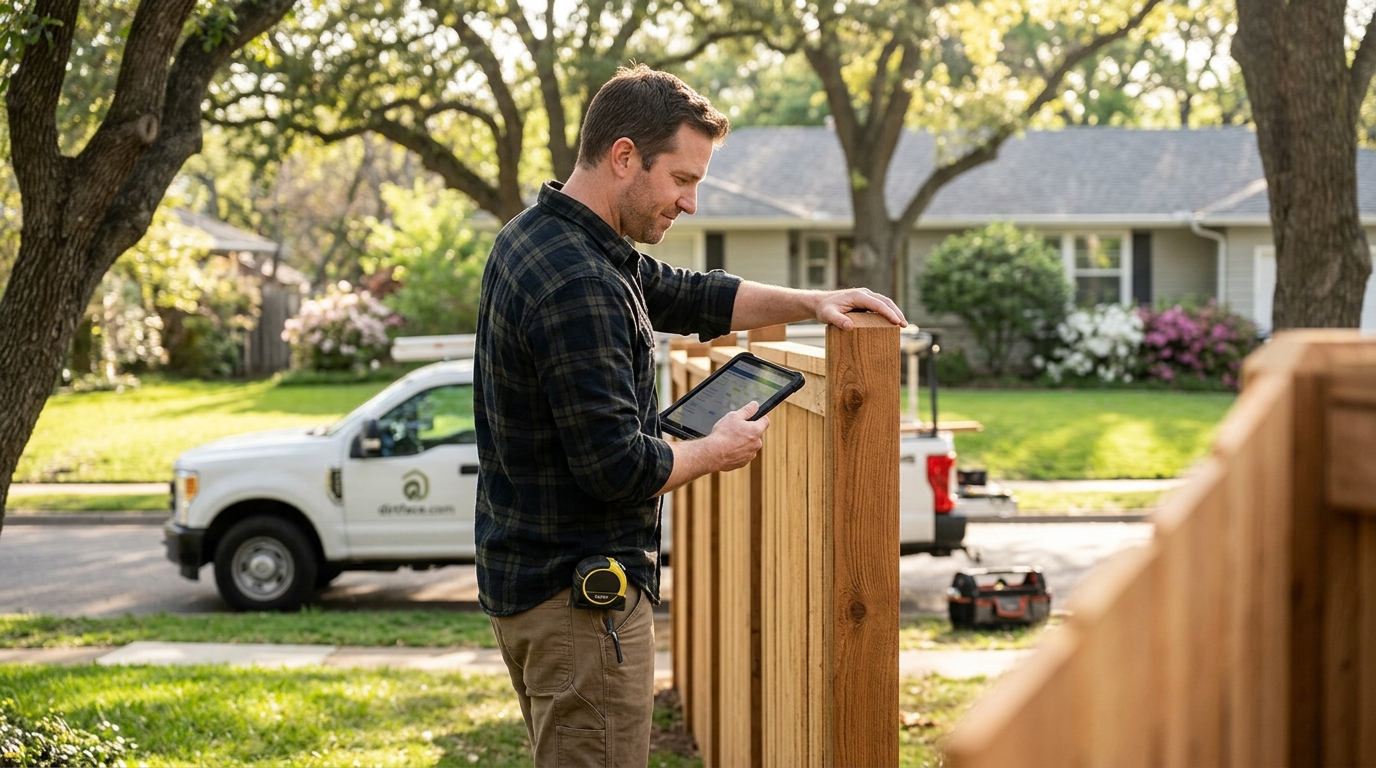
Choosing the right fence estimating software can make or break a contracting business. With the global fence design software market valued at USD 287 million in 2023 and projected to reach USD 650 million by 2033, digital tools are no longer optional for fence contractors. But not every platform delivers the same value. Whether you run a one-truck operation or manage multiple crews, understanding the must-have features helps you pick a solution that saves time, reduces errors, and wins more jobs. Here are the key features every fence contractor should evaluate before committing to a platform.
1. Accurate and Fast Estimate Generation
Fence estimating software is a digital tool that allows contractors to calculate labor costs, material quantities, overhead expenses, and profit margins for fence installation projects. The number-one feature to prioritize is speed without sacrificing accuracy.
A quality platform should let you create a fence estimate in minutes rather than hours. Look for automated measurement tools and industry-ready pricing engines that pull real numbers, not guesses.
What to Check
Does the software calculate time estimates, labor costs, material costs, overhead, concrete, and profit automatically? Platforms like Dirtface handle all of these in a single workflow, eliminating spreadsheet errors and speeding up your sales cycle.
2. Automated Material Takeoffs
A material takeoff is a detailed list of every component needed for a fence project, from posts and rails to fasteners and concrete. Manual takeoffs are tedious and error-prone. The best fence estimating software generates accurate material lists automatically based on fence type, height, and linear footage.
Automated takeoffs reduce waste, prevent costly re-orders, and give your customers confidence that the quote reflects reality. This feature alone can save contractors thousands of dollars annually in material overages.
3. Pre-Loaded Fence Templates
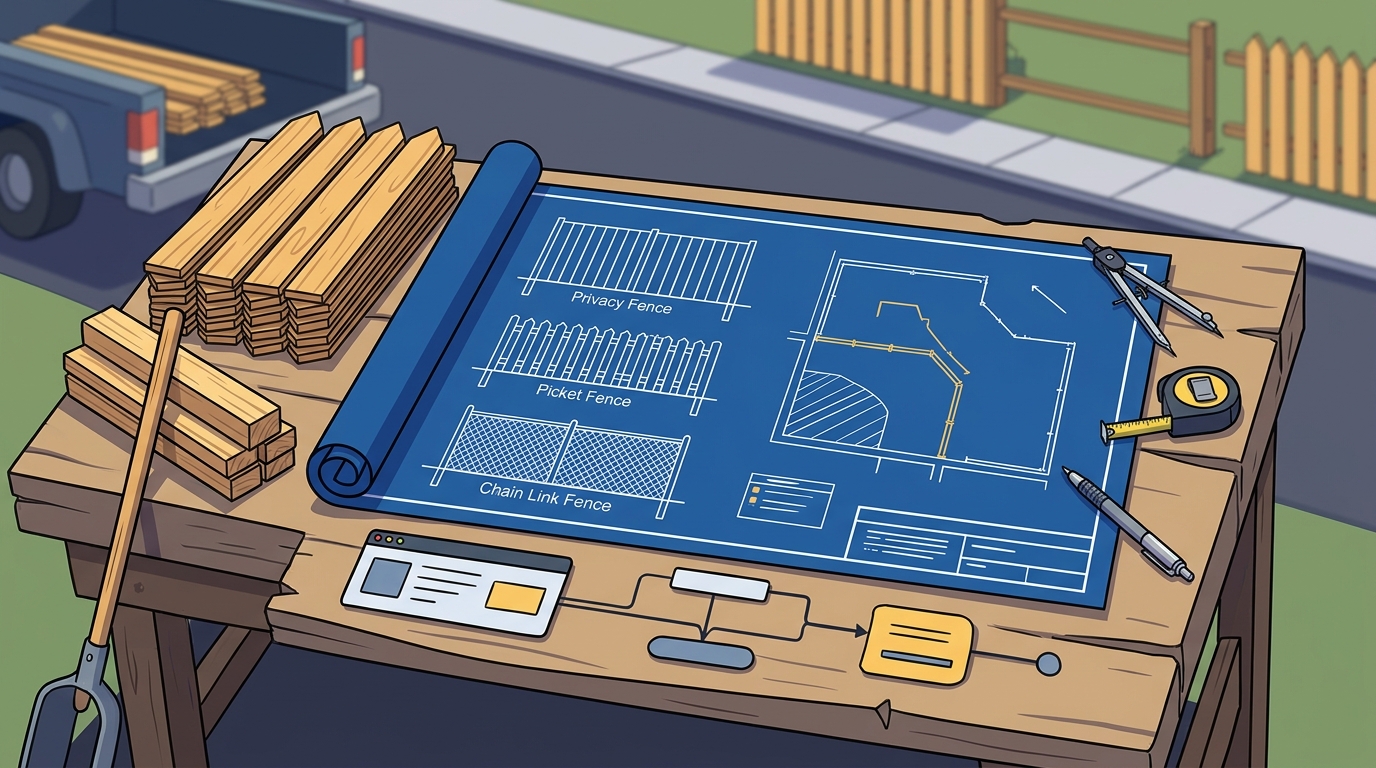
Starting from scratch on every quote wastes valuable time. The best platforms come pre-loaded with hundreds of fence templates covering wood, vinyl, chainlink, and ornamental styles. Dirtface, for example, includes templates for most common fence designs right out of the box.
Why Templates Matter
Templates standardize your quoting process, reduce training time for new estimators, and ensure consistency across every proposal your company sends out.
| Feature | Without Templates | With Templates |
|---|---|---|
| Quote creation time | 30-60 minutes | 5-15 minutes |
| Consistency across quotes | Low | High |
| Training time for new staff | Weeks | Days |
| Material accuracy | Varies | Standardized |
4. Customization and Branding
Every fence business operates differently. Your software should adapt to you, not the other way around. Look for the ability to customize parts catalogs, labor pricing, markup percentages, and branding on proposals.
Professional-looking quotes branded with your logo and company colors build trust with homeowners and commercial clients. Platforms that let you add contract extras and upsells directly into proposals can also increase your average job value.
5. Mobile Access and Flexibility
Cloud-based fence estimating software is a platform hosted on remote servers that contractors can access from any internet-connected device. In 2025, mobile access is non-negotiable. You need to pull up estimates, edit quotes, and share proposals from the job site, your truck, or your kitchen table.
Cloud-based solutions also provide automatic backups and real-time syncing, so you never lose data. The getting started process should be simple enough that you are quoting jobs the same day you sign up.
Cloud vs. On-Premises
According to Fortune Business Insights, the construction software market is growing rapidly due to increasing adoption of cloud-based platforms. On-premises solutions tie you to a single computer and require manual updates. Cloud-based tools win on accessibility, security, and cost.
6. Job and Project Management Tools
Estimating is only one piece of the puzzle. The best fence software doubles as a business management hub. Features to look for include lead tracking, request-for-quote (RFQ) management, job scheduling with drag-and-drop functionality, and mobile work orders for crews.
Centralizing your pipeline from lead to invoice eliminates the need to juggle multiple apps. Explore Dirtface's project management features to see how estimating and job management work together in one place.
7. Integrations and Invoicing
Your fence estimating software should play well with the tools you already use. At a minimum, look for QuickBooks integration, point-of-sale payment processing, and professional invoicing built into the platform.
Integration Checklist
- Accounting software (QuickBooks, Xero)
- Payment processing (credit card, ACH)
- Calendar and scheduling tools
- Email and communication tools
Seamless integrations reduce double data entry and help you get paid faster. If a platform requires you to export CSVs and manually import data elsewhere, it is costing you time and money.
Key Takeaways
- Prioritize software that generates accurate estimates in minutes, not hours.
- Automated material takeoffs reduce waste and prevent costly ordering mistakes.
- Pre-loaded templates for wood, vinyl, chainlink, and ornamental fences accelerate quoting.
- Customization of parts, pricing, and branded proposals helps you win more jobs.
- Cloud-based mobile access is essential for quoting on the go in 2025.
- Built-in job management tools eliminate the need for multiple disconnected apps.
- QuickBooks integration and invoicing features streamline your cash flow.
Frequently Asked Questions
What is fence estimating software?
Fence estimating software is a specialized digital tool that helps contractors calculate material quantities, labor costs, overhead, and profit for fence installation projects. It replaces manual spreadsheets with automated, accurate quoting workflows.
How much does fence estimating software cost?
Pricing varies by platform and plan. Many solutions offer monthly subscriptions. Dirtface offers a 14-day risk-free trial with no credit card required so you can test all features before committing.
Can I use fence estimating software on my phone?
Yes. Cloud-based platforms like Dirtface let you access estimates, edit quotes, and manage jobs from any device with an internet connection, whether on site or in the office.
What fence types can I quote with estimating software?
Most modern platforms support wood, vinyl, chainlink, and ornamental fence styles. The best tools are flexible enough to let you configure virtually any fence type your business installs.
Does fence estimating software replace QuickBooks?
No. Fence estimating software complements QuickBooks by handling the quoting and material side. The best platforms integrate directly with QuickBooks so financial data flows seamlessly between systems.
How long does it take to learn fence estimating software?
With pre-loaded templates and intuitive interfaces, most contractors can start quoting within a day. Check out the Dirtface getting started guide for a walkthrough.
Is cloud-based fence software secure?
Reputable cloud-based platforms store data securely with automatic backups and encryption. This actually reduces the risk of data loss compared to keeping everything on a single local computer.
What is the difference between fence estimating software and general construction software?
General construction software covers broad project types, while fence estimating software is purpose-built for the fencing industry with specific templates, material databases, and pricing structures tailored to fence contractors.
Start Quoting Faster Today
Stop losing jobs to slow, inaccurate estimates. Sign up for a free 14-day trial of Dirtface and see how the right fence estimating software transforms your business. No credit card required.