
How to Find the Right Fence Estimating Software for Your Business
Choosing the right fence estimating and business management software can mean the difference between winning profitable jobs and watching bids slip away. The fence design software market was valued at approximately USD 287 million in 2023 and is projected to reach USD 650 million by 2033, growing at a CAGR of 8.5%. With dozens of options flooding the market, fence contractors need a clear framework for evaluating which platform truly fits their workflow. This guide walks you through the essential criteria, must-have features, and practical steps to select software that saves time, reduces errors, and helps you run a more profitable fence business.
Why Fence-Specific Software Beats Generic Tools
Fence estimating software is a specialized platform that automates material takeoffs, labor cost calculations, and proposal generation specifically for fencing projects. Unlike general construction management tools designed for broad trades like roofing or general contracting, fence-specific software understands the unique parts, terminology, and workflows of the fencing industry.
The rapid digitalization of the construction industry is a primary driver pushing fence contractors toward specialized platforms. According to the World Economic Forum, digital technologies could deliver USD 1.0 to 1.7 trillion in annual global construction cost savings within a decade. For fence contractors specifically, this means tools that already know the difference between a tension band and a rail end are far more efficient than configuring a generic app from scratch.
Platforms like Dirtface.com come pre-loaded with hundreds of fence templates for wood, vinyl, chainlink, and ornamental styles, so contractors can start quoting immediately rather than spending weeks on setup.
Core Features Every Fence Contractor Needs
Automated Measurements and Material Takeoffs
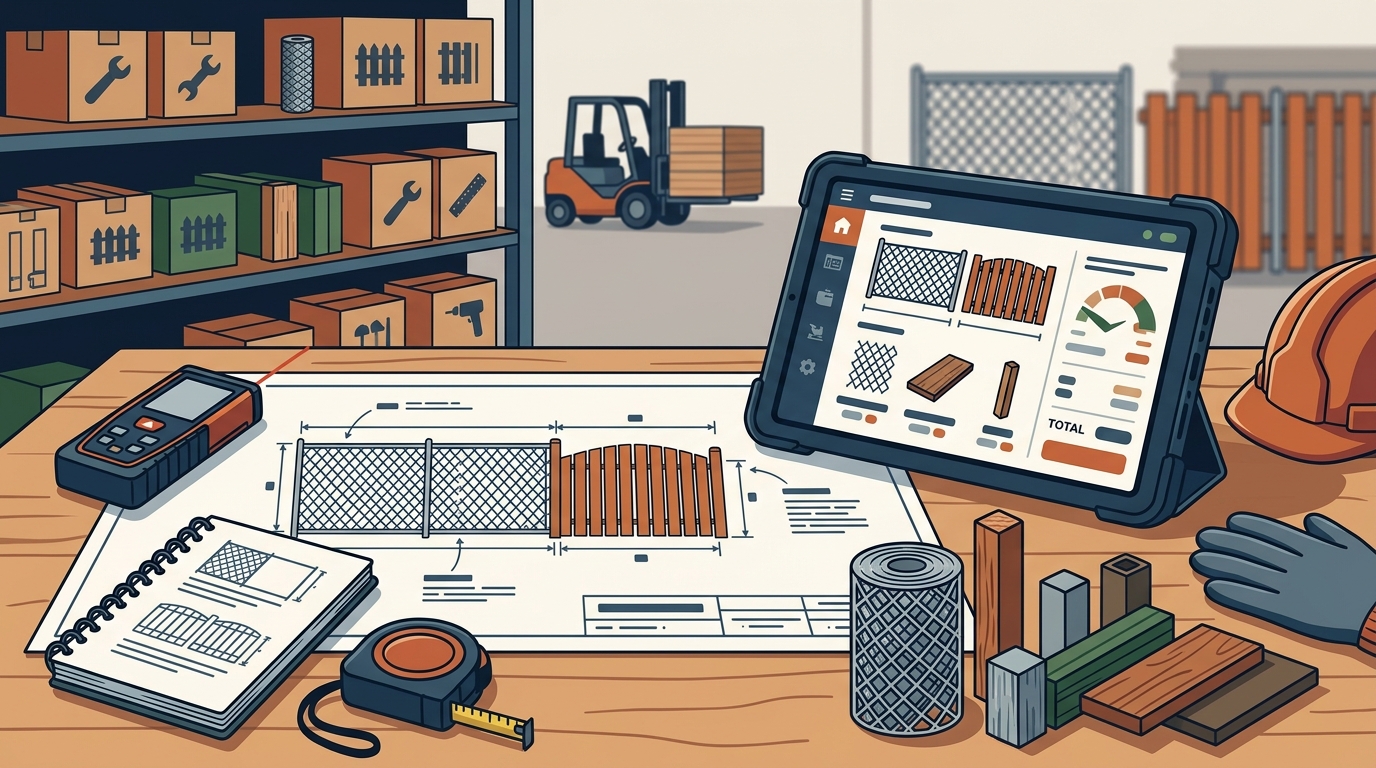
The ability to create accurate fence estimates in minutes with automated measurements is non-negotiable. Quality software should calculate posts, fittings, gates, panels, and accessories automatically based on fence dimensions and style.
Customizable Pricing and Branding
Every fence business prices differently. Your software should let you customize parts and labor pricing while generating branded, professional proposals that clients instantly understand. A business management platform is an integrated system that handles estimating, scheduling, invoicing, and customer management in one place.
All-in-One Business Management
Look for platforms that combine estimating with CRM, scheduling, invoicing, and accounting integrations. Dirtface.com, for example, offers drag-and-drop scheduling, mobile work orders, QuickBooks sync, and invoicing alongside its estimating engine. Managing everything in one system eliminates data duplication and reduces costly errors.
Your Step-by-Step Evaluation Checklist
Follow these steps to systematically evaluate any fence estimating software before committing:
- Define your workflow gaps. Write down the three biggest bottlenecks in your current process, whether that is slow estimates, inaccurate material lists, or disorganized scheduling.
- Verify industry-specific templates. Confirm the software includes pre-built templates for the fence styles you install most often (chainlink, wood, vinyl, ornamental).
- Test mobile access. Your estimators work in the field. Make sure you can access and edit quotes from any device, on the job site or in the office.
- Check integration support. Accounting sync (especially QuickBooks), lead capture forms, and calendar integrations are essential for simplifying estimating, material management, and scheduling.
- Request a free trial. Reputable platforms offer risk-free trials. Dirtface.com provides a 14-day free trial with no credit card required.
- Evaluate support and training. Ask how onboarding works and whether live support is available when you hit a wall.
Feature Comparison: Industry-Specific vs. Generic Software
| Capability | Fence-Specific Software | Generic Construction Software |
|---|---|---|
| Pre-loaded fence templates | Yes (wood, vinyl, chainlink, ornamental) | No, requires manual configuration |
| Automated material takeoffs | Built-in with industry standards | Limited or requires add-ons |
| Shop drawings and spec sheets | Auto-generated per project | Rarely available |
| Fence-specific pricing models | Parts, labor, overhead, concrete | Generic cost categories |
| Setup time | Minutes to hours | Days to weeks |
| Mobile job-site access | Yes, optimized for field use | Varies widely |
| CRM and invoicing | Integrated in all-in-one platforms | Often requires separate tools |
Common Mistakes When Choosing Estimating Software
Choosing on price alone. The cheapest option often costs more long-term through wasted hours and lost bids. Cloud-based subscription models have made professional tools accessible even to smaller contractors.
Ignoring scalability. A solution that works for a two-person crew may collapse when you grow to 15 employees. Evaluate whether the platform supports multiple users, role-based permissions, and growing project volumes.
Skipping the trial period. Never commit to annual contracts without hands-on testing. A trial reveals whether the interface is intuitive enough for your team to adopt quickly. Review key features to look for in fence estimating software before starting any trial.
How to Implement Your New Software Successfully
A digital takeoff is the process of using software to measure and calculate materials from a digital plan rather than doing it by hand. Mastering this process is the first milestone of a successful implementation.
Start by migrating your most common fence styles and pricing into the new system. Then run parallel estimates, one in your old method and one in the new software, for at least five jobs. This builds confidence in the accuracy of the tool. For a deeper dive, read our guide on how to implement a solution for running a more profitable fence business.
Assign one team member as the internal champion who learns the system thoroughly and trains others. Most successful rollouts happen within two to four weeks when the team commits to daily use.
Key Takeaways
- Fence-specific software eliminates hours of manual estimating by using built-in industry standards and templates.
- The fence design software market is growing rapidly, projected to reach USD 650 million by 2033, meaning more options and better tools are emerging.
- All-in-one platforms that combine estimating, CRM, scheduling, and invoicing reduce errors caused by juggling multiple apps.
- Always test software with a free trial before signing a contract.
- Mobile access is essential since estimators spend most of their time on job sites, not behind desks.
- Customizable pricing and branding templates help you present professional proposals that win more jobs.
- Successful implementation requires a parallel testing period and a dedicated internal champion.
Frequently Asked Questions
What is fence estimating software?
Fence estimating software is a digital tool that automates the calculation of materials, labor costs, and project pricing for fence installation projects. It replaces manual spreadsheets and handwritten estimates with accurate, professional proposals.
How much does fence estimating software typically cost?
Pricing varies widely, from free basic tools to subscription platforms ranging from $50 to $300 or more per month. Many providers, including Dirtface.com, offer free trials so you can evaluate the platform before paying.
Can I use generic construction software for fence estimating?
You can, but generic tools require significant manual configuration to handle fence-specific materials and workflows. Industry-specific platforms come pre-loaded with the templates and pricing structures fence contractors actually need.
What features matter most for small fence companies?
Small companies should prioritize automated material takeoffs, mobile access, professional proposal generation, and QuickBooks integration. These features deliver the biggest time savings with the least setup.
How long does it take to learn new fence estimating software?
Most fence-specific platforms are designed for quick adoption. Contractors typically become proficient within one to two weeks of daily use, especially when the software includes pre-loaded fence templates.
Does fence estimating software work on mobile devices?
Leading platforms offer full mobile access. Dirtface.com, for example, lets you access and edit professional quotations from any device on the job site or in the office, 24/7.
How do I switch from spreadsheets to estimating software?
Start by importing your most-used fence styles and pricing into the new platform. Run parallel estimates for a few weeks to verify accuracy, then phase out your spreadsheets once confidence is established.
What is the difference between estimating software and business management software?
Estimating software focuses specifically on generating project cost calculations. Business management software is a broader platform that also handles CRM, scheduling, invoicing, and reporting. All-in-one solutions like Dirtface.com combine both into a single system.
Ready to Stop Juggling Apps and Start Winning More Jobs?
Dirtface.com gives fence contractors professional estimates, material takeoffs, scheduling, and invoicing in one platform. Start your free 14-day trial today with no credit card required and see the difference fence-specific software makes.