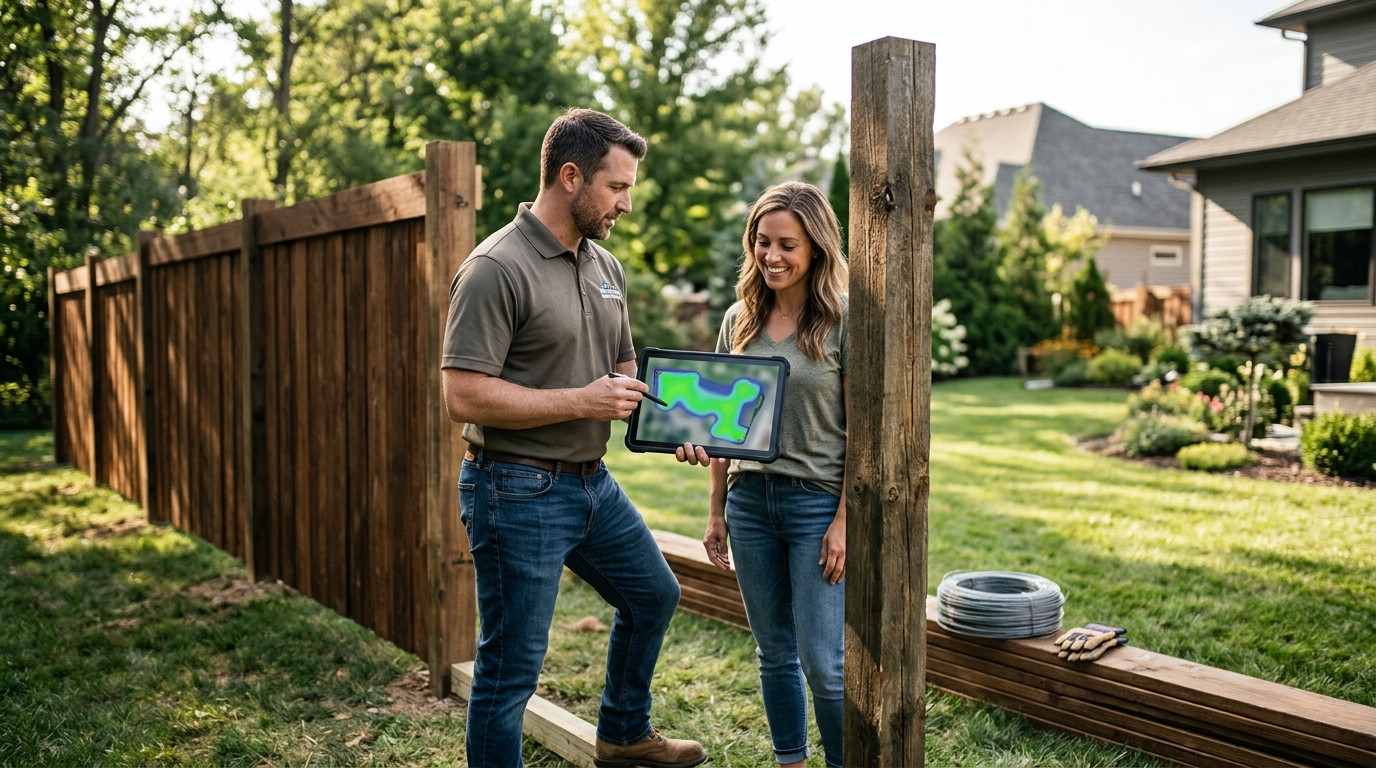
Manual fence estimating costs contractors time, money, and credibility. Whether you are hand-measuring a backyard with a tape wheel or hunching over a spreadsheet at 10 p.m., the old way of quoting fence jobs leaves too much room for error — and too little room for growth. This guide walks you through the modern approach: using automated measurement tools and fence estimating software to produce precise, professional quotes in minutes instead of hours.
Why Manual Fence Estimating Fails Contractors
Fence contracting is one of the most competitive trades in exterior construction. With relatively low barriers to entry, new competitors appear every building season, and your competitive advantage often depends on how fast and accurate your quoting process is. If you leave a customer waiting two days for a quote while a competitor hands them one on-site, you will likely lose the job.
Manual quoting introduces three core risks:
- Human error in measurements. Walking a yard foot-over-foot or counting panels gives you ballpark numbers at best. Slopes, corners, and obstacles compound inaccuracy.
- Slow turnaround. Taking measurements on-site, driving back to the office, and crunching numbers in a spreadsheet can stretch a single estimate across several hours.
- Inconsistent pricing. Without a centralized price book, different estimators on the same crew may quote the same job at different totals, eroding profit margins and client trust.
Fence estimating software solves these problems by converting measurements into complete cost documents — covering labor, materials, markups, shipping, and more — in a fraction of the time.
How Automated Measurements Work for Fence Projects
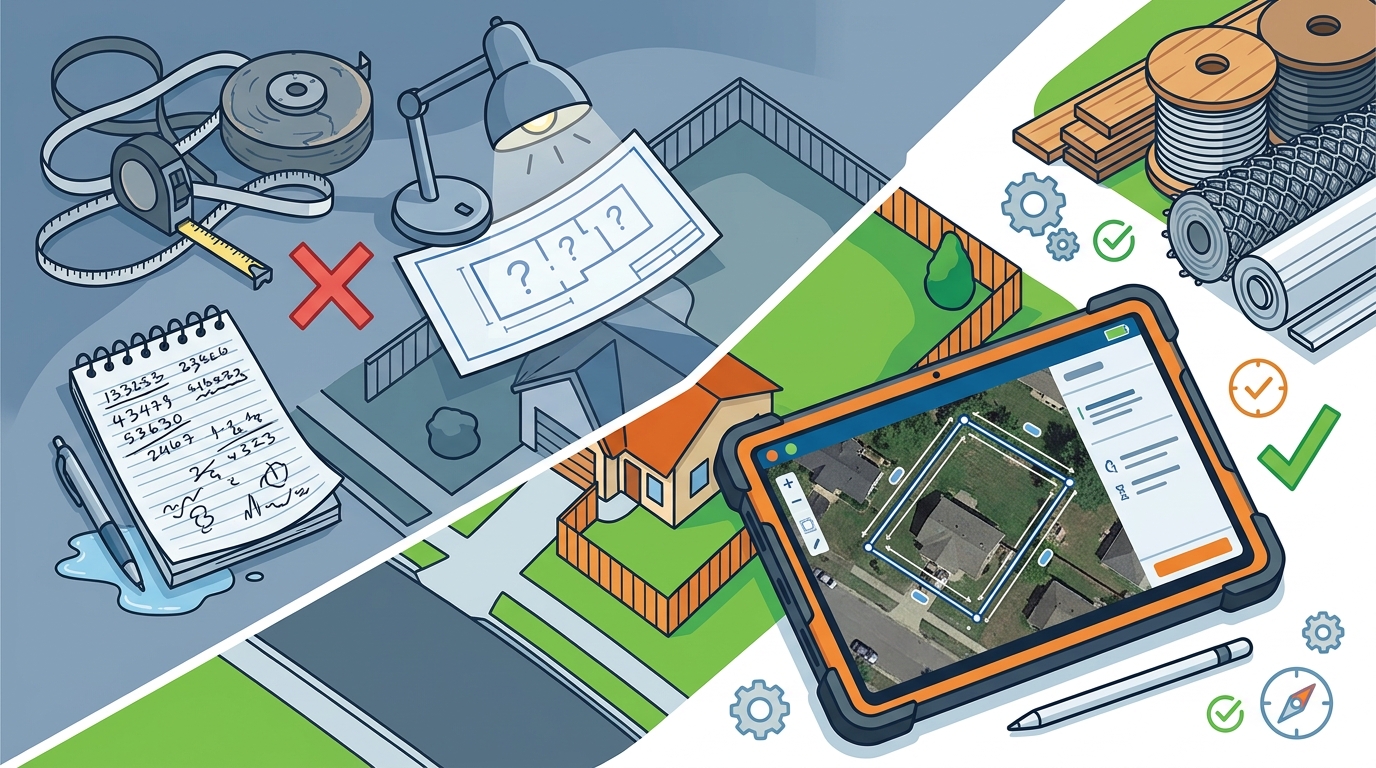
Modern fence contractors have multiple options for capturing site dimensions without tapes, wheels, or guesswork:
Satellite and Aerial Imagery
Tools such as Google Earth and integrated mapping layers within fence software let you trace property lines from satellite imagery and extract linear footage before you ever visit the site. This is especially useful for providing quick ballpark quotes over the phone or filtering out unqualified leads early.
Motion-Based Measuring Devices
Devices like Moasure use motion sensors to capture distance, area, and elevation in one continuous walk around the site. For fencing, this is transformative: you capture the full perimeter — including grade changes on slopes — in minutes instead of wrestling with a tape on uneven terrain. Elevation data is critical because grade changes significantly impact total perimeter length and material requirements.
On-Device Drawing Tools
Many fence estimating platforms let you sketch the fence layout directly on a tablet or phone. As you draw fence lines, gates, and post locations, the software automatically calculates linear footage, post count, and panel count — linking every drawn element to your product catalog and pricing in real time.
Step-by-Step: Building a Fence Estimate in Minutes
Here is the practical workflow used by contractors who have cut their estimating time dramatically using software like Dirtface:
Step 1 — Capture or Import Measurements
Before you arrive on-site, pull up the property on satellite imagery to get a preliminary layout. On-site, refine your measurements using a motion-based device or the software's built-in drawing tools. The goal is a dimensioned site plan showing every fence run, gate opening, and corner.
Step 2 — Select Fence Style and Materials
Good fence estimating software comes pre-loaded with hundreds of fence templates covering chain link, wood, vinyl, and ornamental styles. Select the style that matches the project, and the system automatically associates the correct posts, rails, pickets, panels, hardware, concrete, and accessories. With Dirtface, most fence designs contractors regularly work with are already built into the system, so setup is minimal.
Step 3 — Let the Software Calculate the Material Takeoff
Once your layout and fence style are set, the automated breakdown engine does the heavy lifting. It calculates exactly how many posts, fittings, gates, panels, and accessories are necessary for a fence of that size and scale — factoring in industry-standard post spacing, corner posts, end posts, and concrete requirements. No manual assembly lists needed.
Step 4 — Apply Labor, Overhead, and Profit
Enter crew size, hourly rates, and estimated hours. A practical benchmark: a standard wood fence typically requires four to six hours per 100 linear feet with a two-person crew. Add your overhead rate (typically 20–30 percent for insurance, vehicles, office costs, and equipment) and your target profit margin. For residential work, most contractors target 25–35 percent margins; commercial jobs usually run 20–30 percent; custom or ornamental work can justify 35–45 percent.
Step 5 — Generate and Send the Proposal
With material costs, labor, overhead, and profit calculated, generate a professional proposal directly from the software. Dirtface produces clear, professional fence quotations that clients can understand at a glance — including line items, scope of work, branding, and payment terms. Send it by email or text while you are still on-site. The faster you deliver the quote, the higher your close rate.
Automating Your Material Takeoff: What Gets Calculated
A thorough automated material takeoff accounts for every component of the fence project. Here is what a good system tracks:
| Component | How It Is Calculated |
|---|---|
| Posts (line, corner, end, gate) | Linear footage ÷ post spacing, plus extras for corners and gate openings |
| Rails (top, mid, bottom) | Linear footage × number of rails per style |
| Pickets or Panels | Linear footage ÷ picket/panel width |
| Concrete | Number of posts × bags per post (varies by post diameter and depth) |
| Hardware | Brackets, screws, tension bands, etc. auto-calculated per style |
| Gates and Gate Hardware | Count from drawing × hardware kit per gate type |
| Caps, Stain, Gravel | Derived from post count and linear footage |
Automated engines catch errors that humans routinely miss — like wrong post spacing for the fence type, missing corner and end posts, underestimating concrete, or forgetting gate hardware entirely.
Getting Labor and Pricing Right
Accurate pricing follows a straightforward formula:
Final Price = (Materials + Labor + Overhead) ÷ (1 – Desired Profit Margin %)
For example, if your material cost is $7,300, labor is $1,080, and overhead adds $2,238, your total cost is $10,618. At a 30 percent profit margin, your price would be $10,618 ÷ 0.70 = $15,169.
Software that keeps a live, region-specific price book — pulling current material costs and local labor rates — removes the guesswork from this formula entirely. You quote with confidence because the numbers reflect what you will actually pay.
Three Common Pricing Models
- Per linear foot: The most common model for residential and commercial work. Transparent for clients and easy to standardize.
- Flat rate: Best for repetitive, standardized installations. Rewards crew efficiency.
- Hourly: Used for complex or unpredictable projects where labor scope is hard to define upfront.
Five Estimation Mistakes That Kill Fence Contractor Profits
- Skipping the waste factor. Always add 10–15 percent to material quantities for cuts, defects, and site surprises.
- Ignoring slope. Grade changes increase actual perimeter length versus flat-plan measurements. Elevation-aware measurement tools prevent this.
- Forgetting ancillary costs. Permits, utility locates (call 811), concrete, site prep, and cleanup are real costs that must be in every estimate.
- Using outdated pricing. Lumber, vinyl, and steel prices fluctuate. Software with real-time or frequently updated pricing keeps you current.
- Not tracking actuals. Compare your estimated costs to actual job costs after completion. This feedback loop improves every future estimate.
Choosing the Right Fence Estimating Software
Not all estimating tools are created equal. Here is what to look for:
Fence-Industry Specificity
Generic construction software requires heavy customization before it works for fencing. Purpose-built platforms like Dirtface come with fencing-specific workflows, material libraries, and breakdown engines that work out of the box. You indicate the basics of the fence you want to build, and the software calculates a complete and accurate material breakdown.
Mobile Access
You need to create and edit estimates from any device — on the job site or in the office, 24/7. Cloud-based platforms ensure your entire team works from one version of truth.
Templates and Customization
The software should let you save your own fence styles, SKUs, labor rates, and branding as reusable templates. This turns repeat quote types into a two-minute task.
Integrations
Look for QuickBooks integration, digital payment acceptance, calendar syncing, and email/SMS proposal delivery. Dirtface offers seamless QuickBooks integration, point-of-sale payments, and professional invoicing, so you manage estimates through to payment in one platform.
Lead and Job Management
The best fence software goes beyond estimating. Dirtface includes lead generation tools, drag-and-drop job scheduling, mobile work orders for crews, and full project tracking — turning your estimating tool into a complete business management hub.
Key Takeaways
- Manual fence estimating is slow, error-prone, and costs you jobs in a competitive market.
- Automated measurement tools — satellite imagery, motion sensors, on-device drawing — capture accurate site data in minutes.
- Purpose-built fence software like Dirtface auto-calculates every post, panel, rail, gate, and bag of concrete from your measurements.
- Always include waste (10–15%), overhead (20–30%), and target profit margin (25–45% depending on project type) in every estimate.
- Send proposals on-site, the same day, to dramatically increase your close rate.
- Track actual costs versus estimates to continuously improve accuracy.
Frequently Asked Questions
How long does it take to create a fence estimate with software?
With automated measurement tools and fence estimating software like Dirtface, most contractors can produce a complete, professional estimate in under 10 minutes — including material takeoff, labor, overhead, and profit calculations. Complex commercial projects may take slightly longer, but still a fraction of the time required for manual methods.
What measurements do I need before creating a fence estimate?
You need total linear footage of each fence run, gate opening widths, corner locations, and ideally elevation or grade data for sloped sections. Fence estimating software uses these inputs along with your selected fence style to auto-calculate every material component.
Can fence estimating software handle different fence types?
Yes. Platforms like Dirtface come pre-loaded with many styles of chain link, wood, vinyl, and ornamental fences. The software is flexible enough to set up virtually any custom fence design as well.
How does automated measurement improve estimate accuracy?
Automated tools eliminate common human errors like miscounting posts, forgetting corner posts, underestimating concrete, or ignoring grade changes that affect total perimeter length. The software applies industry-standard formulas to your measured dimensions, ensuring every component is accounted for.
Is fence estimating software worth the investment for small contractors?
Absolutely. The time saved on each estimate, the increase in closed deals from faster turnaround, and the reduction in costly errors typically pay for the software within the first few booked jobs. Dirtface offers a 14-day risk-free trial with no credit card required, so you can evaluate the ROI before committing.
What profit margin should I target on fence jobs?
Typical profit margins vary by project type: 25–35 percent for residential fence work, 20–30 percent for commercial projects, and 35–45 percent for custom or ornamental installations. Always calculate margin on top of your full costs including materials, labor, and overhead.